What it is
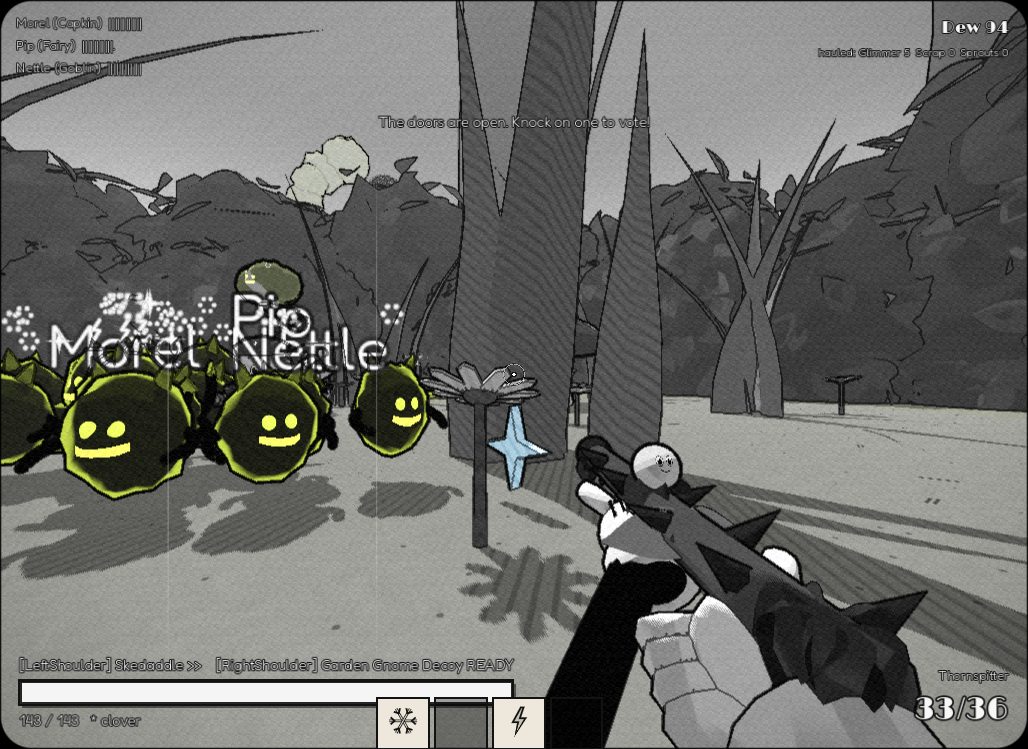
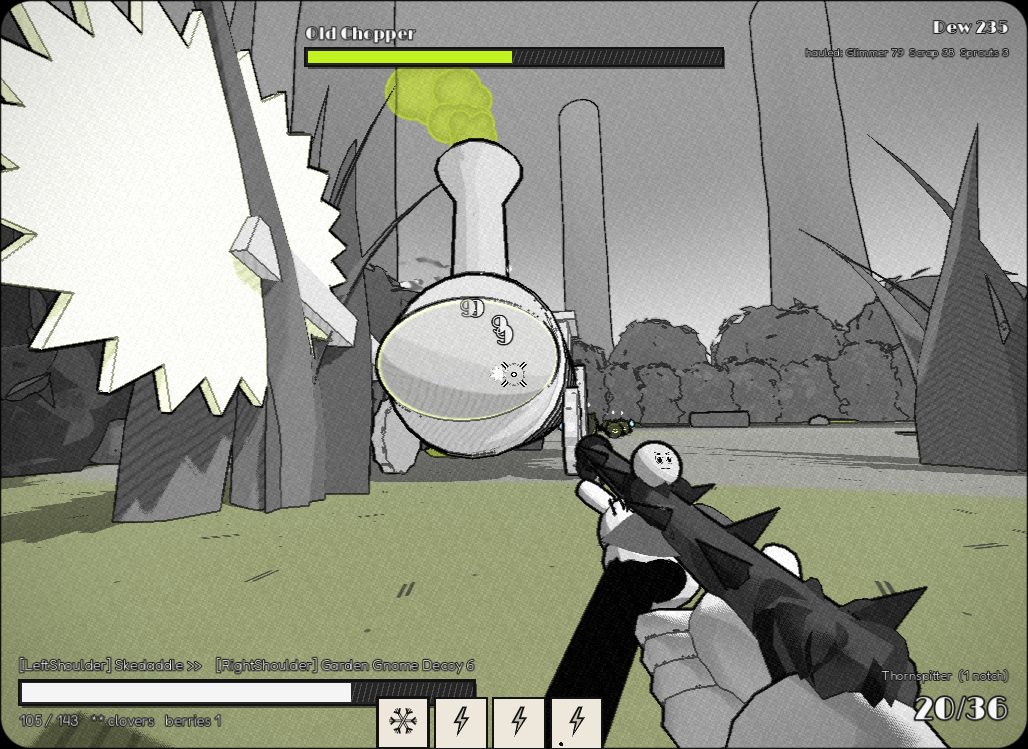
Every run is one reel: twelve rooms of the Hedgerow, a mini-boss kettle halfway, and Old Chopper the sawmill engine at the end. Fight through rooms, pick up blessings called boons from four forest Patrons, and choose which door to take next with your friends.
- Four kin to play: a ground-pounding gnome, a bouncy mushroom, a gliding fairy and a sliding goblin.
- Three weapons with faces and opinions: a thorn spitter, a dandelion blunderbuss and an acorn lobber.
- 32 boons that change how you play, plus combos between Patrons and between friends.
- Go down and your friends can fan you back up. Pop for good and you haunt the room as a ghost until the next one.
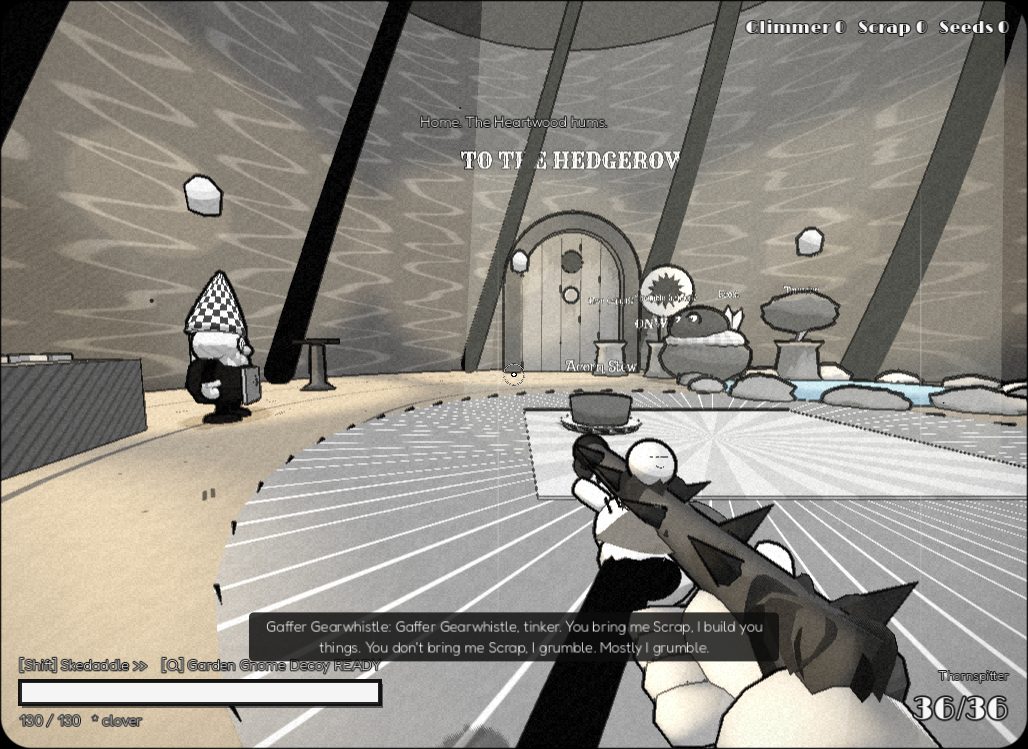
- Between reels you're home in the Hollow, spending what you hauled back on talents, weapons and cosmetics.
Getting started
- Unzip the download anywhere and run Hedgewardens.exe inside the Hedgewardens folder. Keep the folder next to it together.
- Windows will probably warn that it's an unrecognised app, because the game isn't code-signed. Choose More info → Run anyway.
- The sound starts quiet. There's a volume slider on the title screen and in the pause menu (Esc).
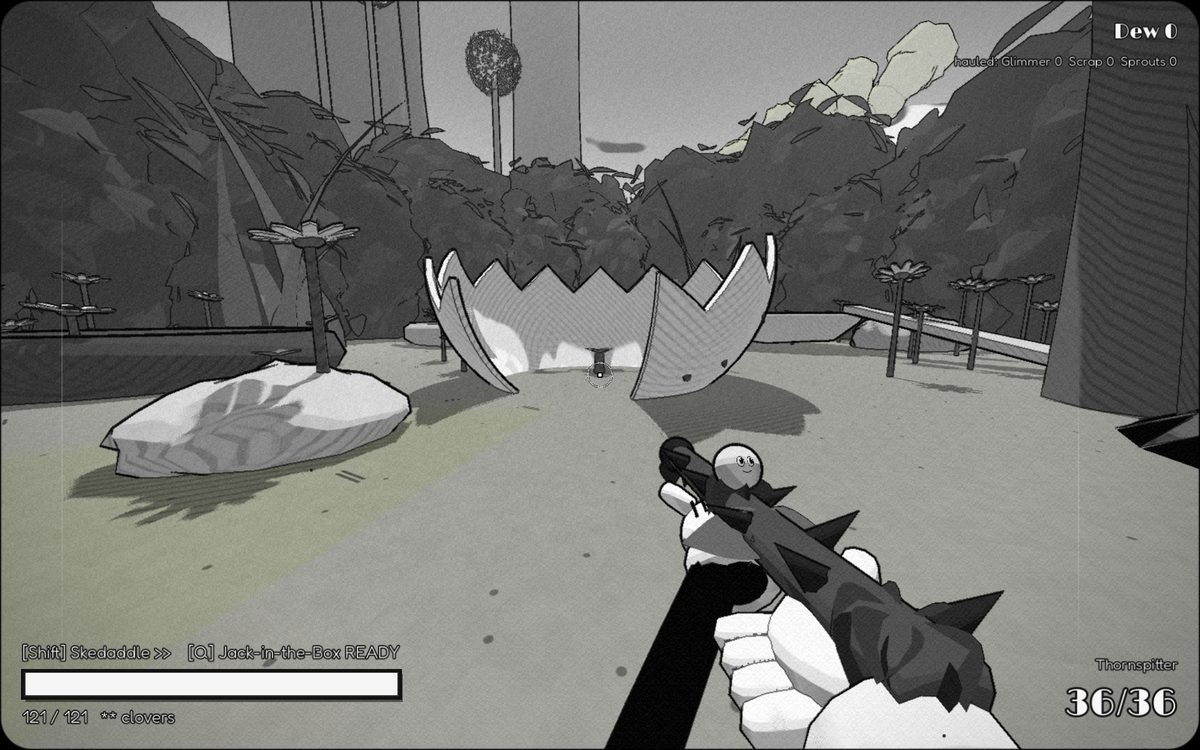
- Pick Play Alone to look around first. You start in the Hollow: walk up to the big round door and knock (E) to begin a reel.
Gamepads work too. Settings has film-effect sliders (or one-click Clean Print), colour options and an easier mode.
Playing together
One player hosts and everyone else joins them directly. Up to four can play. Friends can only join while the party is home in the Hollow, so gather before you start a reel.
In the same house
- The host clicks Host a Party. When Windows asks about the firewall, allow it.
- The host presses Esc: the pause menu lists their addresses (something like
192.168.1.23). - Everyone else types that address on the title screen and clicks Join.
Over the internet, with Tailscale (free)
- Everyone installs Tailscale and signs in.
- The host invites the others to their Tailscale network (in the Tailscale admin page, Users → Invite users), or shares their computer with them (Machines → … → Share).
- The host clicks Host a Party and allows it through the firewall. If Windows offers both, tick Private and Public networks.
- In the host's pause menu, the address starting with
100.is their Tailscale address. Friends type that and click Join.
If a friend can't connect, it's almost always the host's firewall: Windows Security → Firewall → Allow an app → make sure Hedgewardens is ticked for both.
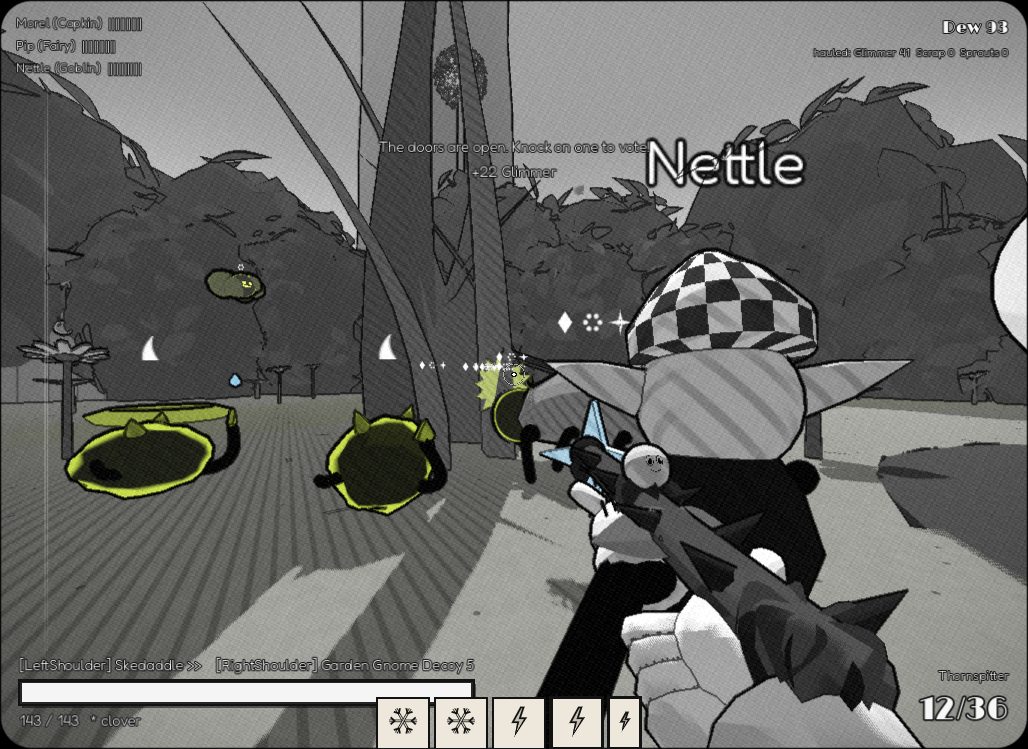
Each player keeps their own save. Everything you pick up is yours, so there's no fighting over loot. The only group decision is which door to take: knock on one to vote, and when the clock runs out a vaudeville hook drags everyone through.
Controls
| Action | Keyboard & mouse | Gamepad |
|---|---|---|
| Move / look | WASD / mouse | sticks |
| Jump (hold to glide as the fairy) | Space | A |
| Skedaddle (dash) | Shift | LB |
| Fire / alt fire | left / right click | RT / LT |
| Knack (your kin's ability) | Q | RB |
| Bonk (mallet) | V | R3 |
| Crouch: ground-pound or slide | Ctrl or C | B |
| Interact, knock, hold to revive | E | X |
| Your pocket of boon cards | Tab, then 123 to pick or F to let the Wood decide | D-pad |
| Ping | Z | L3 |
| Menu | Esc | Start |
Helping the playtest
After a reel, tell Aaron how it went. These are the questions Aaron most wants answered:
- Could you always tell what was about to hurt you?
- Did you ever stand around waiting on someone?
- Did any boon change how you played, or were they all just bigger numbers?
- Did you notice what your friends' boons did?
- Did your Hollow feel like yours?
The end card also shows a line of numbers: how long you took to pick cards, how long you waited at doors, and so on. They're saved in %APPDATA%\Godot\app_userdata\Hedgewardens\playtest.jsonl. Paste that path into File Explorer's address bar and send Aaron the file.